Table of Contents
A student may come across WordPress while working on a college project, exploring website design or helping a small business build an online presence. But what can they actually gain by learning this platform? Is it limited to creating web pages, or can it also help develop skills in design, content management and website maintenance?
Learning WordPress gives students an opportunity to understand how websites are created, designed and managed without requiring advanced coding knowledge. From building a personal portfolio to managing a business website, learners can work with page layouts, images, themes and digital content using its visual tools.
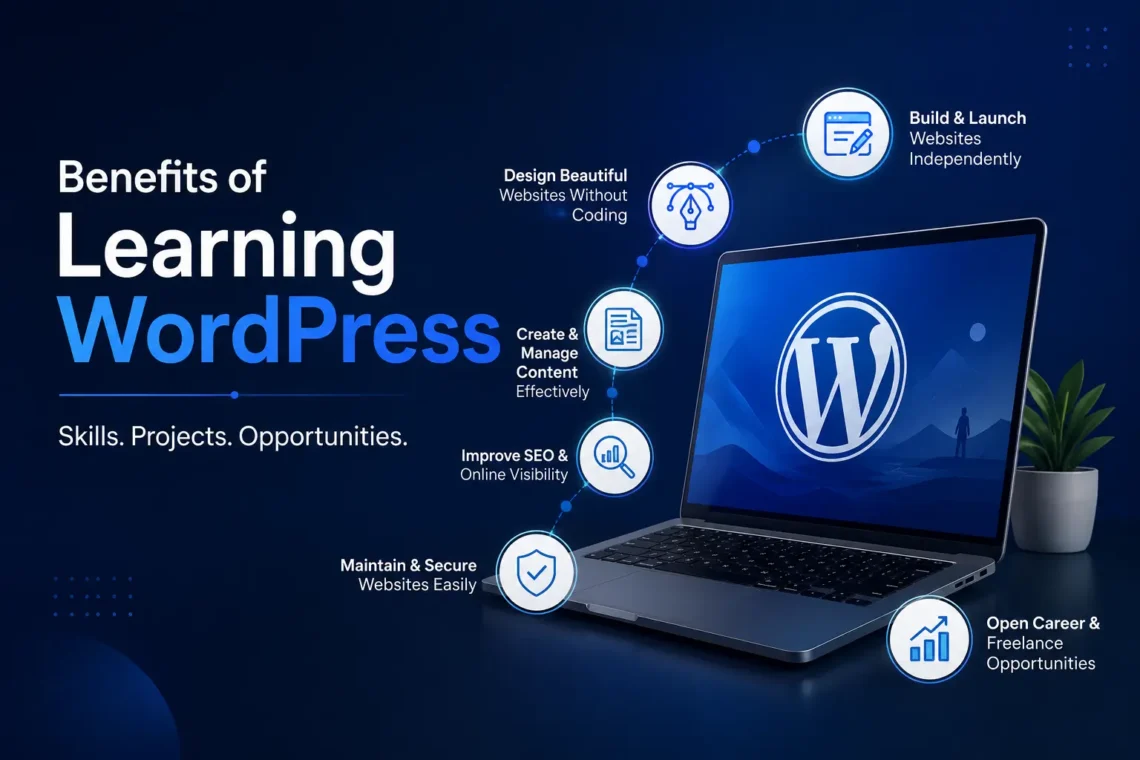
The benefits of learning WordPress go beyond website creation. Students can also develop skills in content publishing, visual design, basic SEO, plugin management and website maintenance. These skills can be applied to college projects, freelance assignments and future career development. In this guide, we will explore the key benefits of learning WordPress, the skills students can develop, where they can use them and how to apply their knowledge through a practical website project.
In this guide, we will look at:
- The main WordPress skills learners develop.
- Where these skills are used and what they help produce.
- Which types of learners can benefit from learning WordPress.
What Are the Benefits of Learning WordPress for Students?
1. What Learning WordPress Covers
WordPress is a content management system that allows users to create and manage websites through a dashboard. Learning it involves more than adding text and images to a page. Learners understand how websites are set up, how pages are organised, how visual elements are arranged and how published content is managed.
The platform can be used without writing code for many common website tasks. Themes control the overall appearance, while page builders such as Elementor allow users to arrange sections, images, buttons and text through a visual editor. Learners can also work with plugins to add features such as contact forms, search engine optimisation settings and website security tools.
For beginners, why WordPress can be used without coding is an important starting point. It helps them understand how visual tools handle common website tasks while also showing where technical knowledge may be needed for more advanced customisation.
One way to understand the learning process is through The Skill to Output Map. It connects each skill with the task where it is used and the result it helps create.
| Skill learned | Where it is used | What it produces |
| WordPress installation | Website setup | A working WordPress dashboard |
| Page creation | Website content | Home, About and Contact pages |
| Theme customisation | Website design | A consistent website appearance |
| Elementor | Page layout | Visually designed web pages |
| Canva | Graphic design | Banners, logos and website graphics |
| Content publishing | Blogging | Published articles and categories |
| SEO plugin settings | Search visibility basics | Search friendly page information |
| Website maintenance | Site management | A website with basic performance and security checks |
This approach helps learners connect each topic with something they can create or manage.
2. Benefit 1: Build and Launch a Website Independently
One of the main advantages of learning WordPress is the ability to create a website without depending on a developer for every basic task. The process starts with understanding domain names and web hosting. A domain is the address people use to visit a website, while hosting stores its files and makes the website accessible online. After arranging these, learners install WordPress and explore its dashboard.
The next step is creating the website structure. This includes adding pages such as Home, About, Services and Contact. Learners also create menus so visitors can move between these pages.
For example, a student creating a personal website can use the Home page to introduce themselves, the About page to share their background, and the Projects page to display academic work. A club website can use similar pages to publish its activities, team details and event information.
The output is a website that the learner can access and update through the WordPress dashboard. They can change page content, add images, update menus and publish new information without asking a developer to make every small edit.Beginners can start by learning how to create a WordPress website without coding, using themes, page builders and plugins to build and manage website pages through visual tools.
3. Benefit 2: Develop Website Design Skills Without Code
Website design is another important part of learning WordPress. A website needs more than written information. Its layout, spacing, colours, images and navigation all affect how visitors understand and use it.
Themes provide the starting design. Learners can customise colours, fonts, headers, footers and other visual settings to match the website’s purpose. Page builders such as Elementor provide additional control over individual page layouts.
For example, when creating a college event page, a learner might add an event banner at the top, an introduction below it, a schedule section and a registration button. Each section can be arranged using visual editing tools.
Canva can support this process by helping learners prepare banners, logos, icons and other graphics before uploading them to WordPress. They also learn to consider responsive layouts so that website content remains usable on mobile phones, tablets and desktop screens.
These WordPress skills for students can be used to create:
- Personal portfolio pages.
- College club and event websites.
- Service and business pages.
- Landing pages for campaigns.
- Website banners and supporting graphics.
4. Benefit 3: Understand Content Publishing and Search Basics
A website also needs useful content. Learning WordPress introduces learners to the process of writing, organising and publishing information.
They learn how to create blog posts, add featured images, assign categories and use tags. Categories help group related articles, while tags can describe specific topics within those articles. These features help keep a website organised as more content is added.
For example, a college technology club could publish articles about coding events, project updates and workshops. Each article can be placed in a relevant category so visitors can find related information.
WordPress also provides access to search engine optimisation plugins such as Yoast SEO and Rank Math. Beginners can learn how to add meta titles and descriptions, create readable URLs and check basic on page SEO settings.
These activities introduce the relationship between website content and search engines. They do not guarantee that a page will rank in search results. Search visibility also depends on content quality, competition, technical factors and how well a page answers the visitor’s query.
The output is a publishing setup where content is organised and important search information can be added to individual pages.
5. Benefit 4: Learn Basic Website Care and Maintenance
Creating a website is only one part of managing it. Websites also need regular checks to keep their pages accessible, images manageable and basic security settings in place.
WordPress learners can develop several website care skills, including:
- Contact forms: Create forms that allow visitors to send enquiries.
- Image handling: Resize and optimise images before uploading them.
- Speed checks: Review page loading performance and identify large files or unnecessary elements.
- SSL setup: Understand how an SSL certificate supports secure connections through HTTPS.
- Security basics: Learn why updates, security plugins and strong login details matter.Mobile
- checks: Review pages on different screen sizes to identify layout problems.
Consider a small business website with a contact page.
If the form stops working, visitors may not be able to send enquiries. Someone who understands the WordPress dashboard can check the form plugin and its settings before deciding whether technical support is needed.
These skills do not replace the work of a specialist when a website has complex technical problems. However, they help learners handle routine updates and recognise issues that need further attention.
The output is a website that can be checked and maintained with a basic understanding of its settings and tools.
6. Benefit 5: Create a Portfolio Project That Demonstrates Your Skills
Learning individual tools is useful, but combining them in one complete project helps learners understand how website development tasks connect. A final WordPress project can include domain and hosting setup, WordPress installation, page creation, theme customisation, Elementor layouts, Canva graphics, contact forms and basic SEO settings. Once the pages are ready, the learner can review the website and prepare it for live deployment.
For example, a student could create a personal portfolio website with four main pages:
Home: A short introduction and overview.
About: Educational background and interests.
Projects: Details and images of completed academic projects.
Contact: A form or contact details for visitors.
The project gives learners a visible example of what they can create using WordPress. It can also help them explain the tasks they have completed when presenting college work or discussing their learning experience. A completed project is not proof of expertise in every area of website development. It does, however, show that the learner has used the platform to create and publish a website.
Once learners have experience creating and managing websites, they can explore different career opportunities after learning WordPress and understand which additional skills may help them move towards their chosen career path.
8. Limits to Know Before Starting
WordPress offers several learning opportunities, but beginners should also understand its limitations.
Learning WordPress does not guarantee a job. Creating a website is one skill, and employers or clients may also expect communication, design understanding, content knowledge and experience with other tools.
Advanced development may require coding. Visual editors and plugins can handle many common tasks, but custom features, complex integrations and advanced troubleshooting may require HTML, CSS, JavaScript or PHP.
Results depend on regular practice. Watching tutorials or understanding dashboard options is not the same as completing a website. Learners need to create pages, test forms, check mobile layouts and resolve basic issues to understand how the platform works.Plugins need careful selection. Installing too many plugins or using poorly maintained ones can create performance, compatibility or security problems. Learners should understand what a plugin does before adding it to a website.
Knowing these limits helps beginners set realistic expectations and decide which skills they want to develop next.
9. Practice Task: Build a Four Page Website in One Week
A small project is a useful way to apply the skills covered in this guide. Beginners can create a personal website or a website for a college club over seven days.
Use the following plan as a starting point:
| Day | Task | Expected output |
| Day 1 | Understand domain, hosting and WordPress installation | Working WordPress dashboard |
| Day 2 | Create Home and About pages | Two basic website pages |
| Day 3 | Create Contact and Projects or Services pages | Four main pages |
| Day 4 | Customise the theme and arrange page layouts with Elementor | Consistent website design |
| Day 5 | Prepare and upload banners, images and icons using Canva | Website graphics |
| Day 6 | Add a contact form, blog content and basic SEO details | Functional content and contact setup |
| Day 7 | Check mobile layouts, review links and prepare the website for publishing | Completed website project |
During the project, learners can use The Skill to Output Map to check whether each skill has produced a visible result.
Students who want guided instruction and hands-on project experience can explore the WordPress training course in Lucknow at Inspizone India, covering website setup, Elementor, theme customisation, plugins, basic SEO and live website deployment.
Conclusion
The benefits of learning WordPress include website setup, visual design, content publishing, basic SEO and routine website maintenance. These skills help learners create websites and manage common tasks through the WordPress dashboard.
The best way to understand the platform is to build a complete website and apply each skill to a specific task. Start with a four page project, review the result and identify which areas need more practice.