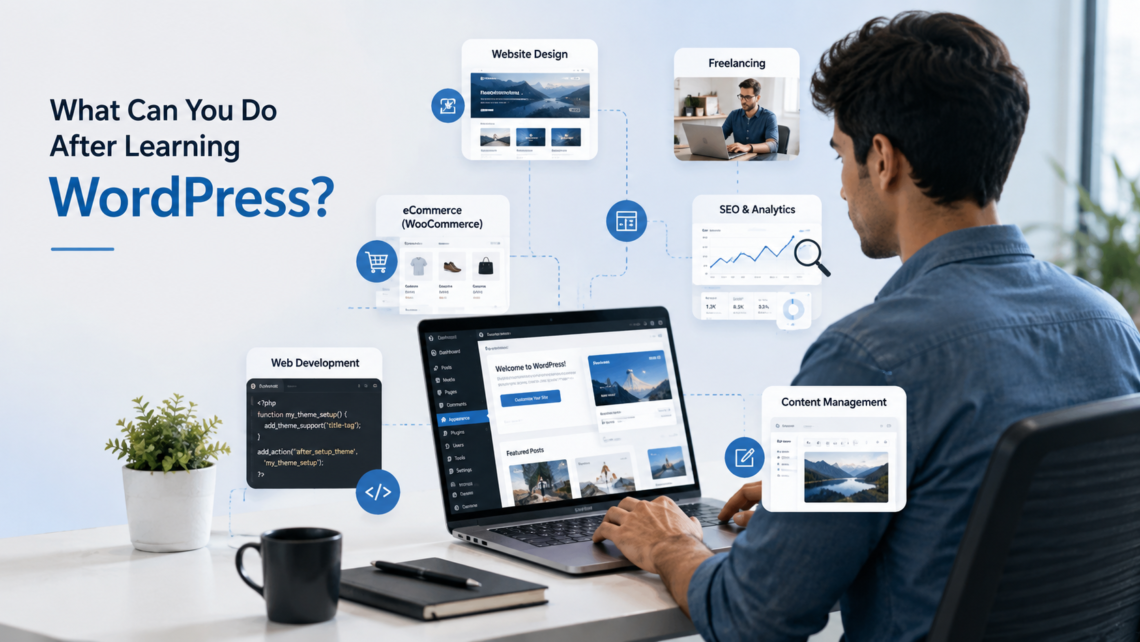
What can you do after learning WordPress? You can use the skill to build and manage websites, create online stores, publish and manage content, take on freelance projects, or work toward roles related to website design and development. The opportunities depend on how far you take your WordPress skills and whether you combine them with areas such as SEO, web design, WooCommerce or coding.
This guide explains what you can actually do with WordPress skills, which jobs and freelance services you can go for, what additional skills are worth learning, and how to turn basic WordPress knowledge into practical projects.
What Can You Do With WordPress Skills?
WordPress skills can lead to different types of work depending on what you enjoy and how deeply you learn the platform. Some people focus on website design and content management, while others move into WooCommerce, SEO, freelance services or technical development.
Build Websites for Businesses
WordPress is commonly used to create company websites, service pages, portfolios, landing pages and websites for local businesses. A learner who understands themes, plugins and basic layout can begin building websites for small businesses, professionals and personal brands with continued practice. This is often the first project area covered under WordPress website development, since most beginners start by building a simple business or portfolio site before moving to anything more complex.
Create and Manage Blogs
Beyond building a website, WordPress also runs and manages blogs. This includes publishing posts, organizing categories, adding images and media, installing SEO plugins, updating pages and managing user roles. For someone asking what can you do with WordPress, blog management is one of the most accessible starting points, because it needs no coding and works entirely through the dashboard once the setup is done.
Build Online Stores With WooCommerce
WordPress extends into a full eCommerce platform through WooCommerce. Learners who pick this up can set up product listings, manage categories, configure payment gateways such as Razorpay or PayPal, process orders and handle shipping settings. Basic store management, including inventory updates and order tracking, becomes part of the day-to-day work. This area falls under WordPress eCommerce or WooCommerce website development, and it suits learners who want to work with small businesses looking to sell online.
Work as a WordPress Website Designer
A WordPress website designer focuses on how a site looks and functions for the visitor. The role covers website layouts, theme customization, page builders such as Elementor, responsive design for mobile devices, navigation structure and basic branding elements like colour schemes and typography. This path fits learners who enjoy the visual side of website building over backend logic.
Work as a WordPress Developer
Not every WordPress learner becomes a developer, and it helps to say that upfront. Using WordPress through themes and plugins is a different skill from developing or customizing it. A WordPress developer career typically needs additional skills such as HTML, CSS, JavaScript and PHP, along with an understanding of WordPress hooks and the ability to build or modify themes and plugins. Learners aiming for this path should treat WordPress fundamentals as a starting point, not everything they will eventually need.
What Jobs Can You Get After Learning WordPress?
Role | Typical Work |
WordPress Website Designer | Designs and customises websites |
WordPress Developer | Builds and customises WordPress functionality |
WordPress Administrator | Manages websites, user accounts and updates |
Website Content Manager | Handles pages, posts and media |
Freelance WordPress Specialist | Manages client website projects |
WooCommerce Specialist | Builds and manages online stores |
For learners asking what jobs can you get after learning WordPress, the answer changes based on which skills sit alongside the basics. A learner focused only on content management finds different openings than one who also picks up design tools or basic coding.
Can You Freelance After Learning WordPress?
WordPress skills support freelance work, though building a client base takes more than knowing how to use the dashboard. Freelancers commonly offer website creation, website redesign, Elementor customisation, WordPress maintenance, WooCommerce setup, basic speed and technical fixes, content updates and landing page creation. These are some of the services beginners can start offering once they have enough WordPress practice.
For those wondering, can you freelance after learning WordPress, the honest answer is yes, but clients want to see finished work before hiring. Building two or three practice projects first, even unpaid ones for friends or local shops, gives a freelancer something concrete to show. Learners who add basic SEO knowledge or design skills on top of WordPress tend to land freelance projects faster, since they can offer a fuller service instead of just page setup.
What Skills Should You Learn Alongside WordPress?
WordPress alone covers a lot of ground, but pairing it with a few extra skills makes the learning go much further for both freelance and job opportunities. These additional skills can make WordPress knowledge more useful when applying for jobs or taking on client projects.
Basic Web Design
A working knowledge of HTML and CSS fundamentals helps learners make small layout adjustments, fix minor display issues and understand how a theme is built, even without becoming a full developer.
SEO
On-page SEO basics such as writing clear URLs, setting meta titles and descriptions, using internal links and optimizing images help a website rank better in search results. This pairs naturally with WordPress since most SEO plugins, including Yoast and Rank Math, are built specifically for this platform.
Website Performance
Understanding image compression, caching, plugin management and mobile loading speed keeps a website fast, which matters for both visitors and search rankings.
WooCommerce
Learners interested in eCommerce work can go deeper into WooCommerce settings, product management and payment configuration, adding a specialized skill that many small business clients look for.
Basic Coding
Coding is not mandatory for most WordPress tasks, since themes and plugins already handle much of the technical work. A working knowledge of HTML, CSS and PHP becomes useful once a learner moves into advanced customisation or troubleshooting instead of routine page building. Learners who want to understand what they can do with WordPress without a coding background can read our guide to learning WordPress without coding.
Is WordPress a Good Skill to Learn for a Career?
Is WordPress a good skill to learn for a career? Demand stays steady because small businesses, service providers, content publishers and online stores continue needing websites. Digital marketing work also frequently overlaps with basic website management, which adds another area where the skill applies.
WordPress alone does not come with a job or a fixed income attached. It works best as one skill among several in a broader web and digital line of work, alongside design, SEO or basic coding. Employers and clients are more likely to value demonstrated skills than simply knowing how to use WordPress. A portfolio showing completed websites, responsive layouts, content management, WooCommerce or basic SEO can make those skills easier to evaluate.
What Can a Beginner Build After Learning WordPress?
Building these types of websites gives beginners a chance to practise different parts of WordPress and creates examples they can show when applying for internships, jobs or freelance projects.
- A personal portfolio website
- A business website
- A blog
- A landing page
- A service website
- A restaurant website
- A small online store
- A training or institute website
How Long Does It Take to Become Good at WordPress?
Beginner
Dashboard, pages, posts, themes, plugins and basic website setup.
Intermediate
Elementor, responsive design, basic SEO, forms, website maintenance and WooCommerce.
Advanced
Customisation, troubleshooting, performance improvements and coding with HTML, CSS or PHP.
There is no single number of days or weeks that makes someone good at WordPress. Progress depends on practice, the complexity of the websites being built and the skills learned alongside WordPress.
How to Start Building WordPress Skills
Step 1: Learn WordPress fundamentals, including the dashboard, pages and posts.
Step 2: Build a simple website as a first practice project.
Step 3: Learn themes and page builders such as Elementor.
Step 4: Get comfortable with plugins and overall website management.
Step 5: Practice setting up a basic store with WooCommerce.
Step 6: Learn basic SEO to understand how websites get found in search results.
Step 7: Build two to three portfolio projects to demonstrate hands-on skills.
Step 8: Move into freelance work, internships or entry-level jobs using the portfolio built so far.
If you prefer learning through guided practice, you can explore this WordPress training course in Lucknow to see how the training covers website creation, themes, plugins, Elementor and basic SEO.
Most Popular Questions People Ask About WordPress
Do you need coding skills to learn WordPress?
Coding skills are not required to learn WordPress for most website-building tasks, since themes and plugins handle much of the technical work through the dashboard. HTML, CSS, JavaScript and PHP become useful only when customising themes, building plugins or making advanced technical changes.
How long does it take to learn WordPress?
The time needed depends on what a learner wants to do with WordPress. Basic website management can be learned in a short time, while skills such as responsive design, WooCommerce, SEO, troubleshooting and custom development need more practice and hands-on projects.
What can you do after learning WordPress?
After learning WordPress, you can build and manage business websites, blogs, portfolios and online stores. You can also work in website design, content management, WordPress administration, freelancing, or move toward development by adding coding skills.
Can you get a job after learning WordPress?
Yes, WordPress skills apply to roles such as website designer, website administrator, content manager and developer. The opportunities available depend on practical skills, a portfolio, hands-on experience and additional knowledge such as SEO, web design or coding.
Can you freelance after learning WordPress?
Yes, WordPress supports freelance services such as website creation, redesigns, Elementor customisation, website maintenance, WooCommerce setup and content updates. Building a portfolio of practice or completed websites helps show these skills to potential clients.