
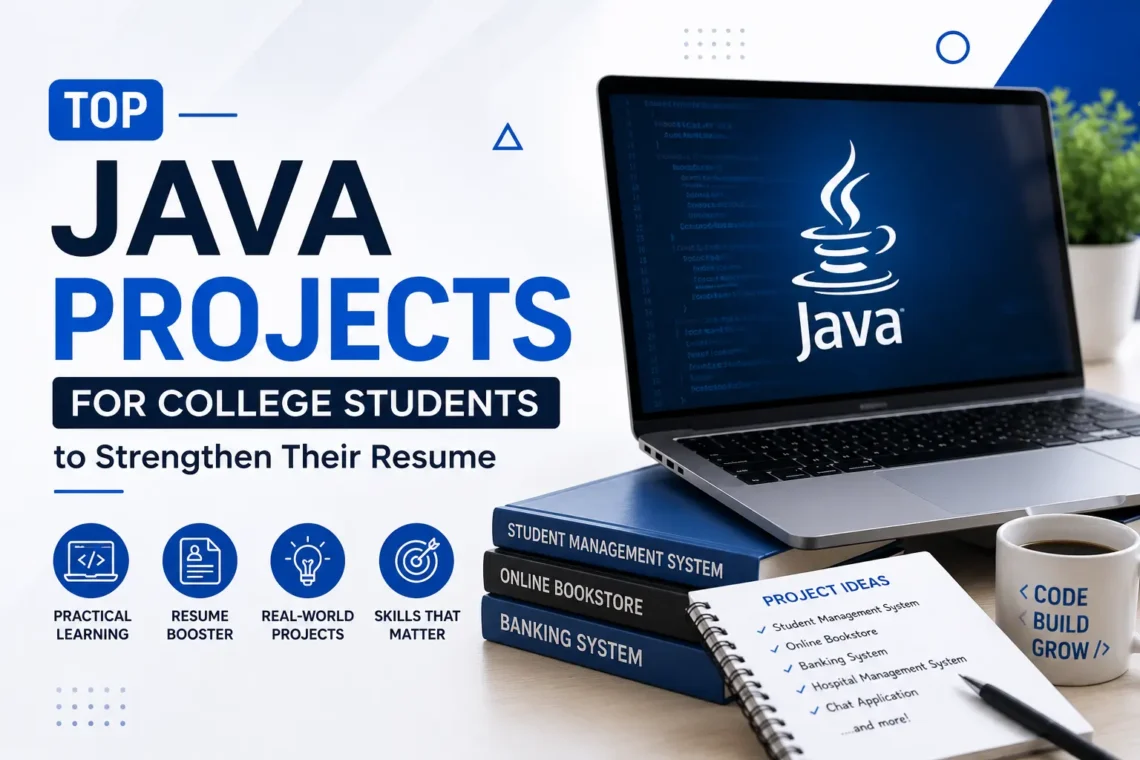
Top Java Projects for College Students to Strengthen Their Resume
Certificates alone rarely convince a recruiter that a candidate can code. Java projects for college students matter because they prove, in a way a certificate cannot, that a student can apply what they have learned to build something that works. Recruiters evaluating Java skills usually look past course completion and check whether a candidate has built anything on their own, debugged actual errors, and understood why a piece of code behaves the way it does.
This guide covers why projects matter, how to pick the right one based on skill level, fifteen project ideas with the concepts each one covers, and how to present these projects properly on a resume.
Why Java Projects Matter for College Students
Classroom learning covers syntax and theory, but it rarely tests whether a student can apply that knowledge without guided steps. Building a project changes this.
A few reasons Java project ideas matter for students preparing for placements:
- Practical learning over theoretical knowledge: Writing a working application forces a student to solve problems that textbooks do not cover, such as handling unexpected input or fixing a logic error that only appears once the program runs.
- Coding confidence: Completing a project independently builds the kind of confidence that answering exam questions does not.
- Internship and placement readiness: Recruiters often ask candidates to walk through a project during interviews, which is difficult to do convincingly without having built one.
- A stronger resume: A resume listing two or three well-built projects stands out more than one listing only coursework.
- Problem-solving proof: Projects show how a student thinks through a problem, not just whether they memorised a concept.
- A GitHub portfolio: Hosting projects publicly gives recruiters something concrete to review before an interview even starts.
How to Choose the Right Java Project
Choose Based on Skill Level
Not every project suits every stage of learning. Matching a project to current skill level prevents two common problems: giving up on something too advanced, or building something too basic to matter on a resume.
- Beginner: Focus on Java projects for beginners that use core syntax, loops, and basic OOP without a database.
- Intermediate: Move into Core Java projects that add collections, file handling, and simple data storage.
- Advanced: Attempt advanced Java projects that connect to a database, include a login system, or use a graphical interface.
Solve Problem
Projects copied line by line from a tutorial rarely hold up under interview questions. A project built around an actual problem, even a small one like tracking personal expenses or managing a class attendance sheet, gives a student something they understand deeply enough to explain and defend.
Use Core Java Concepts
A strong project touches on more than one Java concept at a time. The most commonly tested concepts include:
- Object-Oriented Programming (OOP)
- Collections
- Exception Handling
- File Handling
- JDBC (database connectivity)
- GUI, using Swing or JavaFX (optional, depending on project scope)
Students who want a structured foundation in these concepts before starting a project can build them through a Java training course, which covers each concept in sequence rather than piecing it together from scattered tutorials.
Top 15 Java Projects for College Students
#1. Simple To-Do List Application
Features: Add task, mark as complete, delete task, view pending tasks (console-based, in-memory)
Concepts used: Arrays/ArrayList, Loops, Conditional Statements
Skill level: Basic
#2. Unit Converter
Features: Convert length, weight, and currency-style values using fixed conversion rates
Concepts used: Methods, Conditional Statements, Switch-Case
Skill level: Basic
#3. Prime Number and Factorial Generator
Features: Check prime numbers, generate factorial, display Fibonacci series up to N terms
Concepts used: Loops, Recursion, Conditional Statements
Skill level: Basic
#4. Countdown Timer / Digital Stopwatch
Features: Start, pause, reset timer, display elapsed or remaining time
Concepts used: Thread.sleep(), Loops, basic time handling (System.currentTimeMillis())
Skill level: Basic
#5. Rock-Paper-Scissors / Dice Rolling Simulator
Features: User vs computer play, random outcome generation, score tracking across rounds
Concepts used: Random class, Conditional Statements, Loops
Skill level: Basic
#6. Online Voting System
Features: Voter registration, candidate listing, one-vote-per-user validation, result tally
Concepts used: OOP, Collections, JDBC
Skill level: Intermediate
#7 Movie Ticket Booking System
Features: Showtime scheduling, seat selection, booking confirmation, cancellation
Concepts used: OOP, JDBC, Exception Handling
Skill level: Intermediate
#8. Loan and EMI Calculator with Amortization Schedule
Features: Interest calculation, monthly EMI breakdown, full repayment schedule export to file
Concepts used: OOP, File Handling, Collections
Skill level: Intermediate
#9. Parking Lot Management System
Features: Slot allocation, vehicle entry/exit timestamps, duration-based fee calculation
Concepts used: OOP, Collections, Exception Handling
Skill level: Intermediate
#10. Job Application and Recruitment Tracker
Features: Job posting, applicant records, application status updates, shortlisting
Concepts used: OOP, JDBC, Collections
Skill level: Intermediate
#11. E-Learning Platform with Course Enrollment and Progress Tracking
Features: course catalog, student enrollment, progress tracking, certificate generation
Concepts used: OOP, Spring Boot, MVC architecture, REST APIs, JDBC/Hibernate
Skill level: Advanced
#12. Multi-threaded File Manager and Downloader
Features: Concurrent file downloads, pause/resume support, progress monitoring
Concepts used: Multithreading, I/O Streams, Exception Handling
Skill level: Advanced
#13. Real-Time Multiplayer Quiz Server
Features: Multiple simultaneous client connections, live scoring, synchronized question delivery
Concepts used: Socket Programming, Multithreading, Collections
Skill level: Advanced
#14. Blockchain-Based Ledger Simulation
Features: Block creation, hash linking, chain validation, tamper detection
Concepts used: SHA-256 Hashing, Linked Data Structures, OOP
Skill level: Advanced
#15. Spring Boot REST API for Project and Task Management (with JWT Authentication)
Features: User authentication, task assignment, project boards, role-based access control
Concepts used: Spring Boot, REST APIs, JWT, Spring Security, JPA/Hibernate
Skill level: Advanced
Java Technologies Used in These Projects
Technology | Purpose |
Core Java | Programming logic, syntax, and control flow across all skill levels |
JDBC | Database connection and query execution for CRUD-based projects |
MySQL | Relational database used for storing and retrieving application data |
Swing / JavaFX | Desktop user interface development for GUI-based projects |
Maven | Project build automation and dependency management |
Git | Version control and source code management |
IntelliJ IDEA / Eclipse | Integrated development environment for writing, running, and debugging code |
Multithreading (java.util.concurrent) | Concurrent task execution, used in file downloaders and real-time multiplayer applications |
Java Socket Programming | Network communication between multiple clients, used in chat and multiplayer quiz applications |
Spring Boot | Backend framework for building REST APIs and MVC-based applications |
Hibernate / JPA | Object-relational mapping for simplified database operations in advanced applications |
Spring Security / JWT | Authentication, authorization, and role-based access control in API-based projects |
SHA-256 / Hashing Algorithms | Data integrity and tamper detection in blockchain-style simulation projects |
Skills Gained by Building Java Projects
Working through even a few of these projects builds a working understanding of:
- Object-Oriented Programming
- Exception Handling
- Collections Framework
- Database connectivity
- CRUD operations
- File handling
- Debugging
- Problem-solving
- Version control
- Basic software design
How to Add Java Projects to a Resume
A project listed without detail does little to convince a recruiter. Each entry should include:
- Project title
- Technologies used
- Key features
- The student’s specific contribution
- GitHub repository link
- A demo video link, if available
Common Mistakes Students Make
- Copying projects without understanding the code, which becomes obvious the moment an interviewer asks a follow-up question.
- Building only calculator or basic CRUD apps, which no longer stand out since most students have built the same thing.
- Not using GitHub, leaving no way for a recruiter to verify the project exists.
- No project documentation, making it harder for anyone else, including the student six months later, to understand the code.
- Ignoring code quality, such as poor variable naming or no comments, which affects how the project is perceived during a review.
- Not testing the application, leaving bugs that surface the moment a recruiter tries the project themselves.
Tips to Make a Java Project Stand Out
- Add login authentication instead of leaving the application open
- Connect the project to MySQL rather than storing data only in memory
- Improve the interface, even with basic Swing styling
- Include input validation so the application does not break on incorrect entries
- Write clean, readable code with consistent naming
- Add a README file explaining what the project does and how to run it
- Host the complete code on GitHub with a clear commit history
Conclusion
Java projects for college students prove practical ability in a way certificates cannot, and they directly strengthen both a resume and placement readiness. Starting with basic-level builds and gradually moving toward database-backed, framework-driven applications helps students build a portfolio that shows clear progression, and pairing this work with a java training course gives them both the conceptual foundation and the hands-on proof recruiters look for.


This place has a fantastic atmosphere and the graphics are stunning. It feels more like a high-end casino than just a website. Enjoy ji8888game
Love the mobile experience! The app is stable and makes it so easy to play while commuting. okjiliapp is a game changer for me.
Really impressed with the variety of betting options. There is something for everyone here. I am sticking with 87a777bet
I was looking for a reliable place to register and this was the perfect choice. Everything is streamlined and efficient. Visit aaajili357loginregister
Best spot for anyone looking for exciting gameplay and good rewards. The community here is great and the vibes are always positive. planet888